The best IPTV service providers offer reliable streaming, compatible devices, useful channel selections, transparent pricing, and access to properly licensed content. In 2026, choosing the right IPTV service depends on your location, entertainment preferences, internet connection, and budget. This guide compares important IPTV features, subscription options, streaming quality, and device support to help you evaluate providers and choose a service that fits your needs.
What Is IPTV and How Does It Work?
IPTV, or Internet Protocol Television, delivers television programming through internet networks instead of traditional cable or satellite signals. Depending on the provider, viewers may access live television, on-demand movies, TV shows, and catch-up programming through a compatible app or device.
To use IPTV, you generally need a stable internet connection, a compatible television or streaming device, and a subscription or service that provides authorized access to the content. Available channels, video quality, and features vary by provider and region.
10 Best IPTV Service Providers
1. ROCKETSTREAMS4K IPTV
Best For: Viewers looking for international live TV channels, sports, movies, TV series, and multi-device streaming.
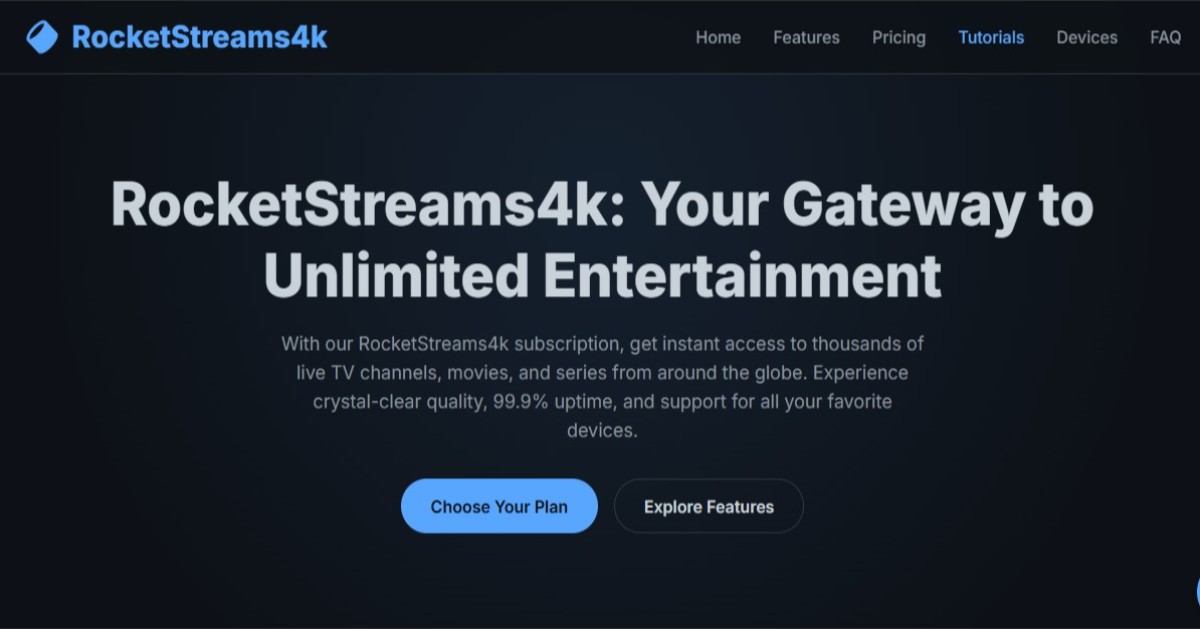
RocketStreams4k advertises more than 20,000 live channels, a large video-on-demand (VOD) library, 4K/UHD streaming options, and 24/7 customer support. Its advertised features include an Electronic Program Guide (EPG), catch-up TV, and compatibility with several popular streaming devices.
Key Features
- 20,000+ live channels advertised
- 80,000+ movies and 15,000+ TV series advertised
- 4K, UHD, and HD streaming options
- Anti-freeze technology and load-balanced servers advertised
- 99.9% uptime guarantee advertised by the provider
- Electronic Program Guide (EPG)
- Catch-up TV functionality advertised
- 24/7 customer support via live chat and email, as advertised
- Compatibility with Smart TVs, Firestick, iOS, Android, Android boxes, PC, Mac, Apple TV, and MAG devices
Pros and Cons
| Pros | Cons |
| Large advertised live-channel selection | Actual channel availability is unverified |
| Extensive advertised VOD library | Content availability may vary |
| Multiple streaming quality options | Consistent 4K performance is unverified |
| Four subscription durations available | Longer plans require a greater upfront payment |
| Broad device compatibility advertised | Compatibility may vary by device and app |
| 24/7 support advertised | Actual support response times are unverified |
| 99.9% uptime guarantee advertised | Independent uptime performance is unverified |
Pricing Plans
| Subscription Plan | Price |
| 1 Month | $15 |
| 3 Months | $34 |
| 6 Months | $44 |
| 12 Months | $74 |
Free Trial: No free trial details were provided in the supplied website content. Check the official website to confirm whether a trial is available.
Supported Devices: Smart TVs, Amazon Firestick, iOS devices, Android devices, Android boxes, Windows PCs, Mac computers, Apple TV, and MAG devices.
Why Choose RocketStreams4k?
RocketStreams4k may appeal to viewers seeking international television, sports, movies, and series through one advertised streaming service. Its subscription options range from monthly access to a 12-month plan, while its advertised features include 4K/UHD streaming, catch-up TV, an EPG, and multi-platform compatibility. Before subscribing, verify channel availability, device compatibility, payment terms, refund conditions, and the provider’s licensing information. The advertised uptime and streaming performance should not be treated as independently verified results.
2. BEAST TV IPTV
Best For: Viewers looking for international live TV, sports, movies, on-demand entertainment, and multi-device streaming.
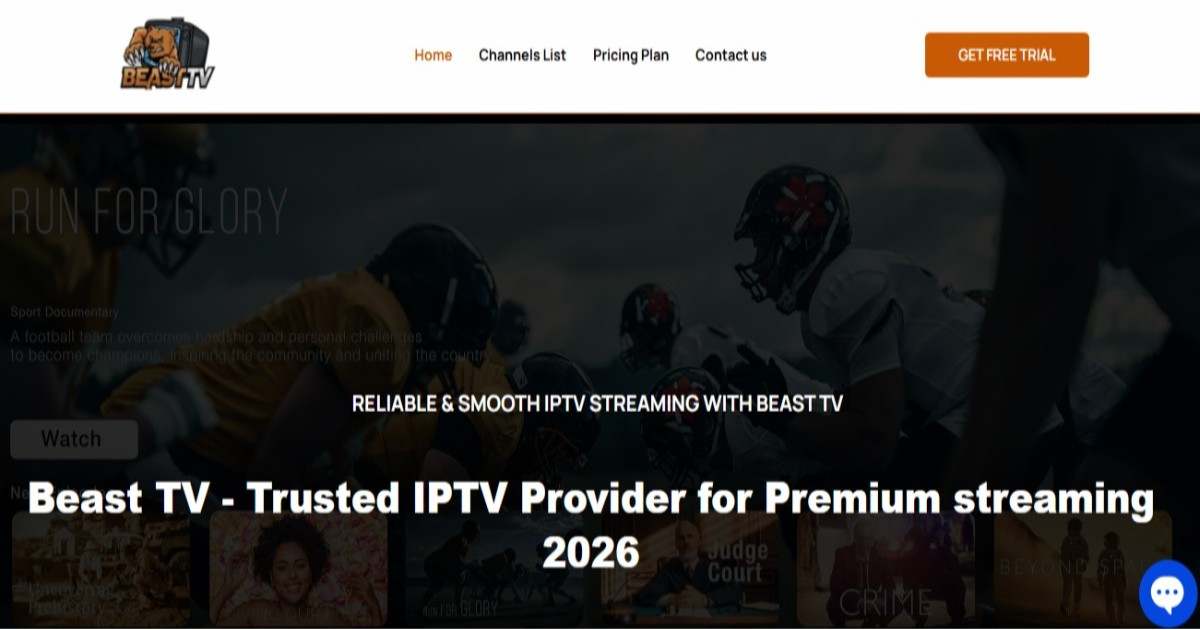
Beast TV advertises access to more than 18,000 live channels and over 40,000 VOD titles, along with EPG, catch-up streaming, PPV events, and HD and 4K streaming options. Its subscription plans offer different connection limits, with support for up to five devices, depending on the selected plan. The provider also advertises 24/7 customer support and a seven-day money-back guarantee.
Key Features
- 18,000+ live channels advertised in its pricing section
- 40,000+ VOD titles, including movies and TV shows, advertised
- HD, Full HD, and selected 4K streaming options
- Electronic Program Guide (EPG)
- Live TV and catch-up features
- Pay-per-view (PPV) events advertised
- International content from the USA, UK, Canada, Europe, Latin America, Africa, and the Middle East
- Multi-device subscription options for up to five connections
- Anti-freeze technology advertised to help minimize buffering
- Compatibility with Firestick, Smart TVs, Android, iPhone, iPad, Windows, MAG devices, Roku TV, and Enigma-compatible devices
- 24/7 customer support advertised
- Seven-day money-back guarantee advertised
Pros and Cons
| Pros | Cons |
| Broad advertised selection of international channels | Actual channel availability is unverified |
| Multiple subscription durations available | Streaming performance may vary by internet connection and device |
| Plans for one to five connections | Higher connection limits cost more |
| HD and 4K streaming options advertised | Consistent 4K performance is unverified |
| Seven-day money-back guarantee advertised | Refund eligibility and conditions need confirmation |
| Multiple device categories supported | Compatibility may vary by model and application |
| 24/7 customer support advertised | Actual response times are not independently verified |
Pricing Plans
| Subscription Duration | 1 Device | 2 Devices | 3 Devices | 4 Devices | 5 Devices |
| 1 Month | $15 | $28 | $40 | $52 | $64 |
| 3 Months | $35 | $60 | $90 | $115 | $145 |
| 6 Months | $45 | $85 | $120 | $160 | $199 |
| 12 Months | $70 | $120 | $175 | $240 | $295 |
Free Trial: Beast TV advertises a free trial, but its duration, eligibility, and conditions are not specified in the supplied content. Confirm the details with the provider before subscribing.
Supported Devices: Amazon Fire TV Stick, compatible Smart TVs, Android devices, iPhone, iPad, Windows computers, MAG devices, Roku TV, and compatible Enigma devices. Confirm compatibility with your specific device before purchasing.
Why Choose BEAST TV?
Beast TV may appeal to viewers seeking international entertainment, live sports, movies, and flexible subscription options. Its advertised plans accommodate up to five connections, making them worth considering for households that want to stream on multiple devices. The provider also promotes an EPG, catch-up features, anti-freeze technology, and round-the-clock support.
Before choosing a plan, verify the channels and VOD titles available in your region, device compatibility, actual streaming performance, payment terms, and refund conditions. Also confirm that the service is authorized to distribute the content you intend to watch.
3. GEARS TV IPTV
Best For: Viewers looking for international live TV, sports, movies, TV shows, and multi-device streaming.
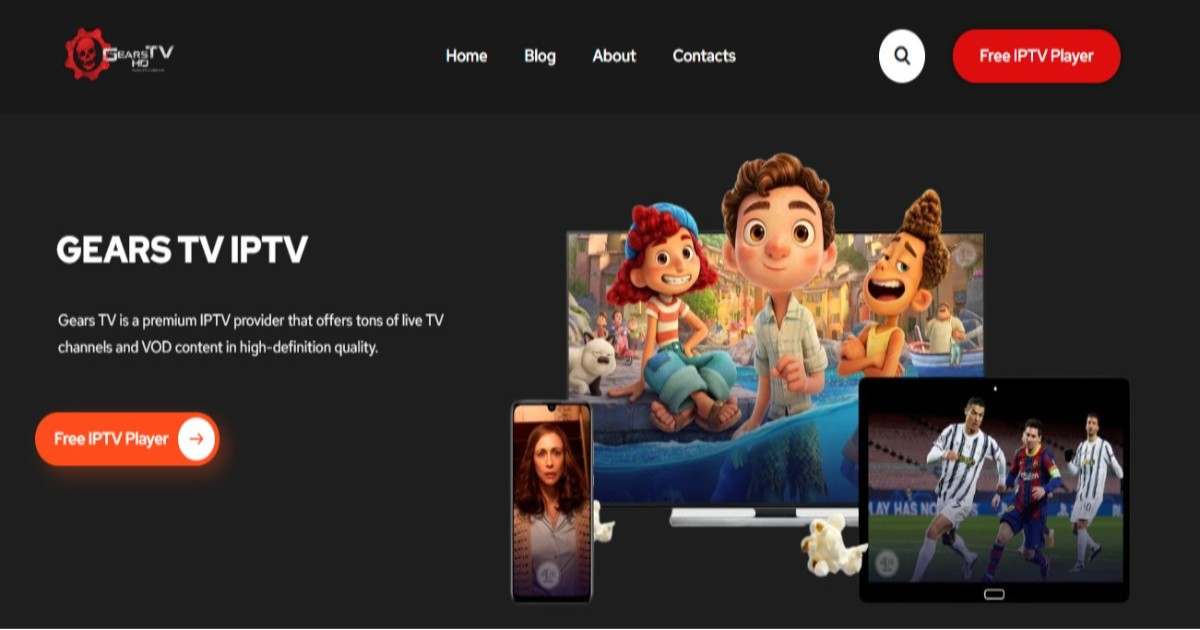
Gears TV Reloaded advertises thousands of live TV channels, on-demand movies and series, HD and Full HD streaming, and compatibility with multiple devices. Its content mentions more than 16,000 channels in one section and 20,000 in another, plus approximately 9,000 VOD titles. These figures and performance claims have not been independently verified.
Key Features
- 16,000+ live channels advertised in one section
- Approximately 9,000 VOD titles advertised
- SD, HD, Full HD, and 4K options advertised
- International sports, entertainment, news, and kids’ content
- M3U playlist support
- Compatibility with Smart TVs, Android, iOS, MAG, Enigma, and PCs
- Support for compatible IPTV player applications
- 24/7 technical support advertised
- 24-hour free trial advertised
Pros and Cons
| Pros | Cons |
| Broad advertised channel selection | Channel counts are inconsistent |
| Live TV and VOD content advertised | Actual content availability is unverified |
| Supports multiple device categories | Compatibility varies by device |
| Free trial advertised | Trial conditions need confirmation |
| 24/7 support advertised | Support quality is unverified |
Pricing Plans
| Subscription Duration | Pricing Information |
| 1 Month | From $10 per month advertised |
| 3 Months | Not specified |
| 6 Months | Not specified |
| 12 Months | Not specified |
| 24 Months | Not specified |
Free Trial: A 24-hour trial is advertised. Confirm eligibility and activation details before signing up.
Supported Devices: Smart TVs, Android devices, iPhone, iPad, MAG boxes, Enigma-compatible devices, Windows PCs, and compatible IPTV player applications.
Why Choose GEARS TV?
Gears TV Reloaded may suit viewers seeking international channels, sports, movies, and on-demand entertainment across multiple devices. Its advertised features include M3U support, a free trial, and round-the-clock technical assistance.
Before subscribing, confirm current pricing, channel availability, device compatibility, refund terms, and streaming performance. Also verify that the service is authorized to distribute the content you intend to watch.
4. XCodes IPTV
Best For: Viewers looking for international live TV, sports, movies, TV shows, and multi-device streaming.
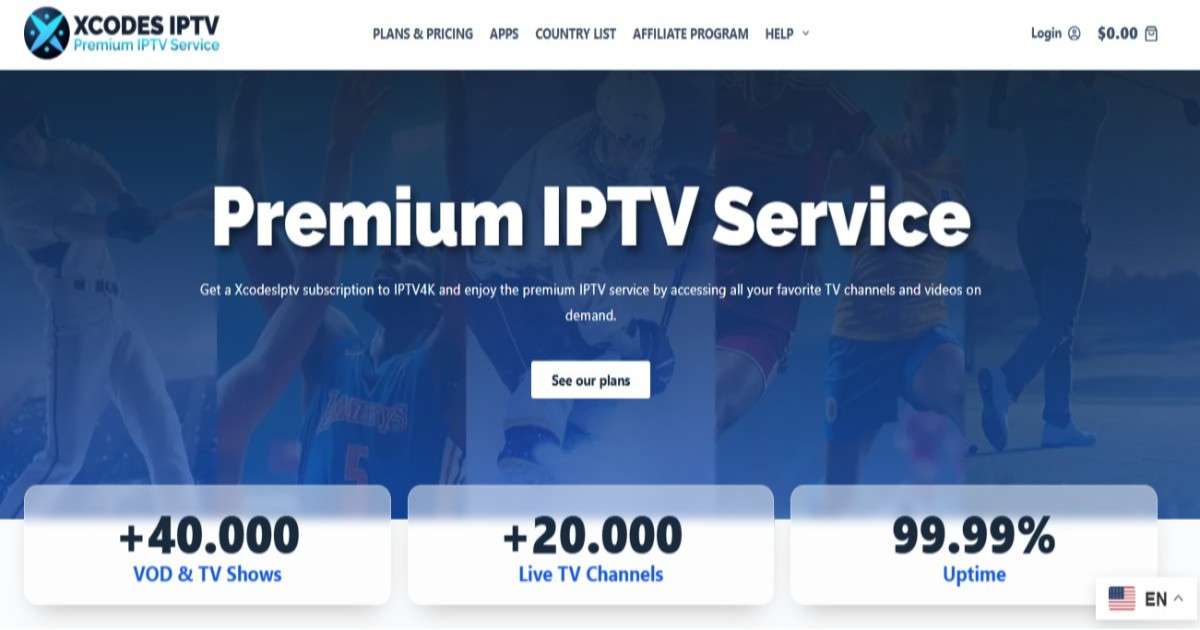
XCodes IPTV advertises more than 20,000 live TV channels and 40,000 VOD titles, including movies and series. Its features include an Electronic Program Guide (EPG), multi-device compatibility, 24/7 customer support, and a seven-day money-back guarantee. The provider also advertises a free 24-hour trial and a lifetime subscription option.
Key Features
- 20,000+ live TV channels advertised
- 40,000+ VOD titles and TV shows advertised
- Live sports, movies, and international entertainment
- Electronic Program Guide (EPG)
- Anti-freeze technology advertised
- Compatibility with Fire TV devices, Windows, MAG, Enigma, Roku, and other supported devices
- 24/7 customer support advertised
- 24-hour free trial advertised
- Seven-day money-back guarantee advertised
- 99.9%–99.99% uptime claimed; not independently verified
Pros and Cons
| Pros | Cons |
| Large advertised channel and VOD selection | Actual content availability is unverified |
| Multiple subscription durations | Only one connection is listed in the supplied plans |
| Free 24-hour trial advertised | Trial conditions need confirmation |
| Seven-day money-back guarantee advertised | Refund eligibility and exclusions need checking |
| EPG and sports content advertised | Streaming quality and uptime are unverified |
| Lifetime plan available | Lifetime access terms need clarification |
Pricing Plans
| Subscription Duration | Price |
| Free 24-Hour Trial | $0 |
| 1 Month | $14 |
| 3 Months | $29 |
| 6 Months | $49 |
| 12 Months | $75 |
| Lifetime | $230 |
All listed plans specify one connection. Confirm current prices, payment terms, and subscription conditions before purchasing.
Free Trial: XCodes IPTV advertises a free 24-hour trial. Confirm activation requirements and included features before signing up.
Supported Devices: Fire TV devices, Windows, MAG boxes, Enigma-compatible devices, Roku, and other compatible devices. Check support for your specific model and IPTV application.
Why Choose XCodes IPTV?
XCodes IPTV may appeal to viewers seeking international channels, sports, and on-demand entertainment with flexible subscription durations. Its advertised features include EPG, round-the-clock support, a free trial, and a seven-day money-back guarantee.
Before subscribing, verify channel availability, device compatibility, refund conditions, actual streaming performance, and whether the service is authorized to distribute the content you want to watch.
5. KING G TV IPTV
Best For: Viewers looking for international live TV, sports, movies, series, and multi-device streaming.
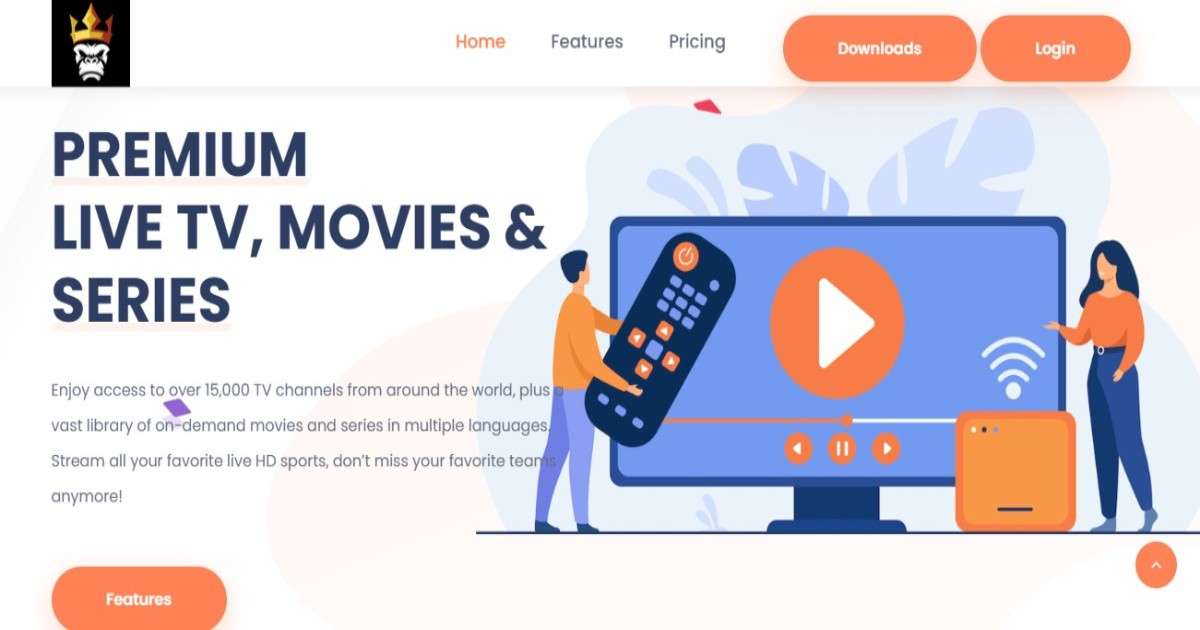
KING G TV advertises more than 15,000 live TV channels and a library of on-demand movies and series in multiple languages. Its plans support two, four, or six devices, with features including local channels, live sports, and movies-on-demand apps.
Key Features
- 15,000+ live TV channels advertised
- 11,000+ movies and 2,500+ series listed
- International entertainment and live sports
- Local channels advertised
- Movies-on-demand apps included in listed plans
- Support for Amazon Firestick, iOS, and Android
- Plans for two, four, or six devices
- 99.95% uptime advertised, not independently verified
- No-contract plans advertised
- 100% satisfaction guarantee advertised; terms should be confirmed
Pros and Cons
| Pros | Cons |
| Large advertised channel selection | Actual content availability is unverified |
| Multiple device connection options | Higher device limits cost more |
| Movies and series included | App compatibility may vary |
| No-contract plans advertised | Refund and satisfaction guarantee terms need checking |
| Six-month subscription options | Long-term plans require a larger upfront payment |
Pricing Plans
| Subscription Duration | 2 Devices | 4 Devices | 6 Devices |
| 1 Month | $23 | $28 | $33 |
| 6 Months | $120 | $145 | $170 |
Free Trial: No free trial details were provided in the supplied content. Contact the provider to confirm whether one is available.
Supported Devices: Amazon Firestick, iOS devices, and Android devices. Confirm compatibility with your specific device before purchasing.
Why Choose KING G TV?
KING G TV may suit viewers seeking international channels, live sports, movies, and series with flexible device options. Its advertised plans include local channels and movies-on-demand apps, with monthly and six-month subscriptions available.
Before subscribing, verify channel availability, device compatibility, streaming performance, payment terms, and refund conditions. Also confirm that the service is authorized to distribute the content you intend to watch.
6. BRITISH IPTV
Best For: UK and European viewers looking for live TV channels, sports, movies, TV series, and multi-device streaming.
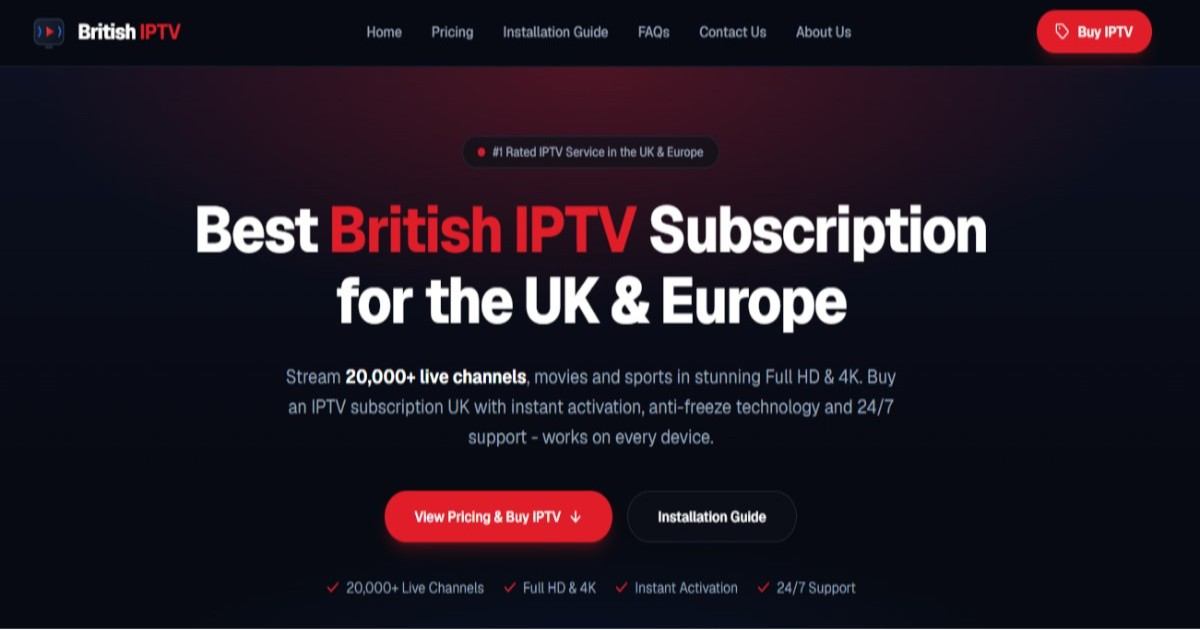
British IPTV advertises more than 20,000 live TV channels, an on-demand library of movies and series, and Full HD and 4K streaming options. Its plans include support for multiple device types, an Electronic Program Guide (EPG), instant activation, and 24/7 customer support. The provider also advertises anti-freeze technology and 99.9% uptime, which have not been independently verified.
Key Features
- 20,000+ live TV channels advertised
- Movies and TV series available on demand
- Full HD and 4K streaming options advertised
- UK, European, and international channel selection
- Live sports and entertainment content
- Electronic Program Guide (EPG)
- Anti-freeze technology advertised
- Compatibility with Firestick, Android, iOS, Smart TVs, Apple TV, Windows, Mac, MAG, and Enigma2
- Instant activation advertised
- 24/7 customer support via WhatsApp, Telegram, and email
- Multiple subscription durations and device options
Pros and Cons
| Pros | Cons |
| Large advertised international channel selection | Actual channel availability is unverified |
| HD and 4K options advertised | Consistent 4K performance is unverified |
| Supports multiple device categories | Compatibility may vary by device |
| Flexible subscription durations | Longer plans require upfront payment |
| 24/7 customer support advertised | Actual response times are unverified |
| EPG and VOD features advertised | Content licensing should be confirmed |
Pricing Plans
| Subscription Duration | Price |
| 1 Month | £20 |
| 3 Months | £30 |
| 6 Months | £40 |
| 12 Months | £60 |
Device Options: The supplied pricing lists multiple devices, including Firestick, Smart TV, and iOS compatibility. However, the number of simultaneous connections included in each plan is not specified.
Free Trial: No free trial details were provided in the supplied document. Contact the provider to confirm availability.
Supported Devices: Amazon Firestick, Android, iPhone, iPad, Smart TVs, Android TV, Apple TV, Windows, Mac, MAG, and Enigma2 devices.
Why Choose BRITISH IPTV?
British IPTV may appeal to viewers seeking UK and international channels, live sports, movies, and series through one subscription. Its advertised features include flexible plans, an EPG, multiple device options, and round-the-clock customer support.
Before subscribing, verify current pricing, channel availability, simultaneous connection limits, refund conditions, and streaming performance. Also confirm that the service is authorized to distribute the content you intend to watch.
7. VESION TV
Best For: Viewers looking for an IPTV subscription with live TV, sports, movies, series, and multi-device compatibility.
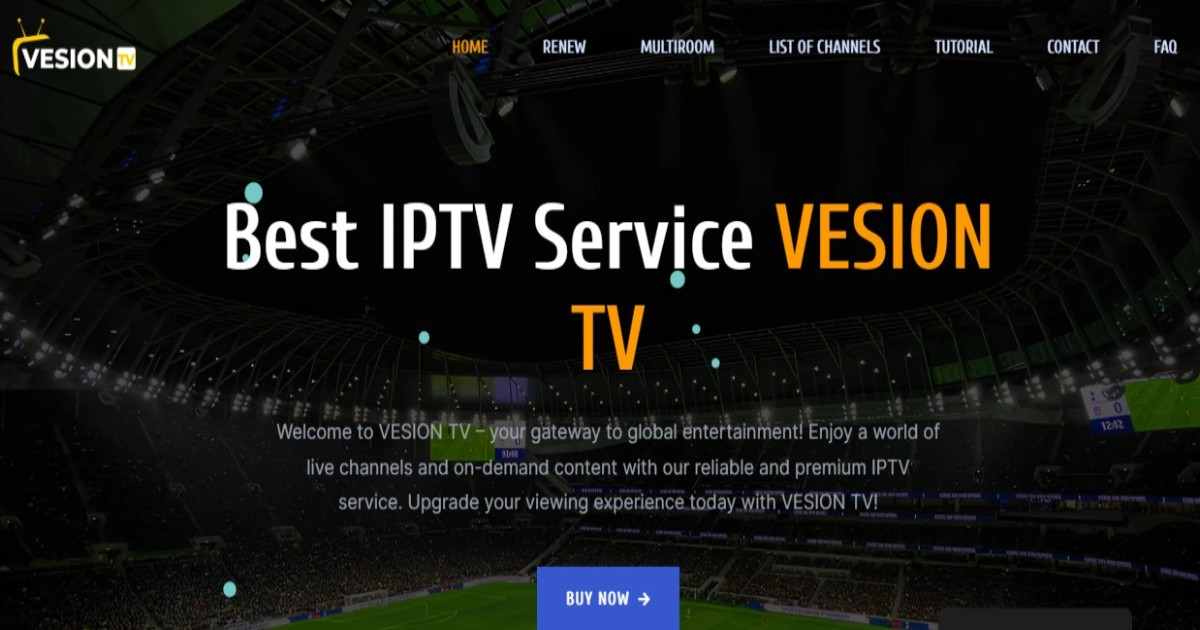
VESION TV promotes an IPTV streaming service offering live television channels and video-on-demand (VOD) content. Its website advertises more than 37,000 live channels, a large on-demand library, and streaming options in 4K, Full HD, and SD. Subscription plans range from three to 24 months, and the provider promotes technical assistance through WhatsApp.
These features and service claims are based on the supplied website content and have not been independently verified.
Key Features
- Live TV channels: Advertises more than 37,000 live channels.
- Movies and TV series: Lists approximately 120,000–150,000 VOD titles, although the exact count varies across the website.
- Multiple streaming qualities: Advertises 4K, Full HD, and SD options, depending on content and device compatibility.
- Sports content: Promotes sports programming, including UK-focused sports content.
- Multi-device compatibility: Claims support for a range of streaming devices, but specific supported models are not listed in the supplied text.
- Technical support: Offers assistance through a WhatsApp help center.
- Free trial: The website promotes a free trial, but its duration and eligibility are not specified.
- Subscription renewal: Provides a renewal option through its website.
- Multiroom option: Lists a multiroom section, although its exact screen limits and pricing are not provided.
Pros and Cons
| Pros | Cons |
| Four subscription durations | No detailed device compatibility list |
| Advertises a large live-channel selection | Channel count has not been independently verified |
| Offers multiple streaming quality options | Actual 4K availability and performance are unconfirmed |
| Includes advertised technical support | Support hours and response times are unspecified |
| Promotes a free trial | Trial duration and conditions are unclear |
| Lists a multiroom option | Multiroom pricing and simultaneous-stream limits are missing |
Pricing Plans
The website lists the following subscription prices:
| Plan Duration | Price | Approx. Monthly Cost |
| 3 months | €29.99 | €10.00 |
| 6 months | €49.99 | €8.33 |
| 12 months | €69.99 | €5.83 |
| 24 months | €109.00 | €4.54 |
Free Trial: Advertised, but the duration and conditions are not specified.
Supported Devices: The provider claims broad device compatibility, but the supplied website text does not identify specific supported devices or operating systems.
Why Choose VESION TV?
VESION TV may appeal to viewers seeking a subscription with live television, sports, films, and series in one place. Its published plans offer several subscription durations, allowing customers to compare short-term and longer-term commitments.
Before purchasing, verify the provider’s content distribution rights, supported devices, actual channel availability, streaming reliability, and refund policy. Confirm the free-trial terms and multiroom restrictions before paying for a longer subscription. The website’s channel counts and quality claims should be treated as advertised figures rather than independently confirmed results.
8. GREAT IPTV
Best For: Viewers looking for international live TV, sports, movies, and series across multiple devices.
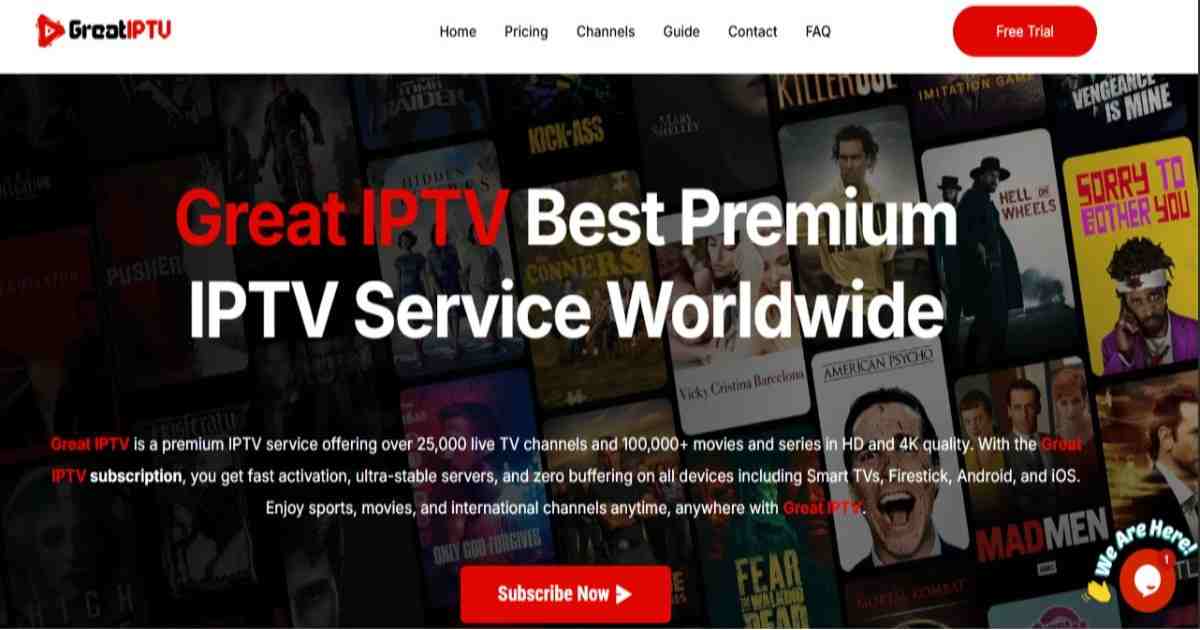
Great IPTV advertises more than 25,000 live TV channels and 100,000+ movies and series, with HD and 4K streaming options. The service also promotes fast activation, an Electronic Program Guide (EPG), catch-up TV, and 24/7 customer support. Performance claims have not been independently verified.
Key Features
- Live TV: 25,000+ channels advertised.
- VOD Library: 100,000+ movies and series advertised.
- Streaming Quality: HD, Full HD, and 4K options.
- EPG & Catch-Up: Channel schedules and catch-up features.
- Device Compatibility: Smart TVs, Firestick, Android, iOS, Apple TV, MAG boxes, Enigma devices, Kodi, and PCs.
- Customer Support: 24/7 assistance advertised.
- Free Trial: 24-hour trial for new users.
Pros and Cons
| Pros | Cons |
| Large advertised channel and VOD libraries | Content availability may vary |
| Multiple subscription durations | Streaming stability is not independently verified |
| Broad device compatibility | Some devices may require manual setup |
| EPG and catch-up features advertised | Licensing and regional availability need verification |
Pricing Plans
| Plan | Advertised Price |
| 1 Month | $14.99 |
| 3 Months | $34.99 |
| 6 Months | $49.99 |
| 12 Months | $69.99 |
Free Trial: A 24-hour free trial is advertised.
Refund Policy: The website states that it offers a 7-day money-back guarantee. Review the terms and conditions before purchasing.
Supported Devices: Smart TVs, Firestick, Android TV, Android and iOS devices, Apple TV, MAG boxes, Enigma devices, Kodi, and PCs.
Why Choose Great IPTV?
Great IPTV may appeal to viewers seeking a broad selection of live channels and on-demand content with support for multiple devices. Before subscribing, confirm device compatibility, channel availability, payment and refund terms, actual streaming performance, and whether the service is authorized to distribute the content in your region.
9. IPTV HARMONY
Best For: Viewers who want customizable live TV channels, on-demand entertainment, and multi-device support.
IPTV Harmony advertises more than 55,000 live channels and 250,000 movies and series, with HD, Full HD, and 4K options. It also offers a customizable channel list, a 24-hour free trial, and support through WhatsApp, Telegram, and email seven days a week.

Key Features
- Live TV: 55,000+ channels advertised.
- VOD Library: 250,000+ movies and series advertised.
- Streaming Quality: HD, Full HD, and 4K options.
- EPG & Catch-Up: Electronic Program Guide and catch-up TV features advertised.
- Custom Channel Lists: Select countries and channels, organize favourites, and remove unwanted content.
- Account Controls: Reset network settings and disconnect active sessions through a private control link.
- Device Compatibility: Amazon Fire TV, Formuler, MAG, Enigma2, LG webOS, Windows, NVIDIA Shield, and Roku.
- Supported Players: Kodi, VLC, IPTVX, IBO Player Pro, and other listed IPTV players.
- Customer Support: WhatsApp, Telegram, and email support.
- Player License: A 12-month license for a selected eligible player is included with qualifying plans.
Pros and Cons
| Pros | Cons |
| Large advertised channel and VOD libraries | Actual content availability may vary |
| Customizable channel lists | Some setup may require technical knowledge |
| 24-hour free trial with no payment details required | Long-term plans require a larger upfront payment |
| Convenient account and session controls | Advertised uptime and streaming stability are not independently verified |
| Multiple payment methods advertised | Player-license inclusion depends on plan eligibility |
Pricing Plans
| Plan | Advertised Price |
| 24-hour trial | Free |
| 3 Months | €34.99 |
| 6 Months | €48.99 |
| 12 Months | €64.99 |
Free Trial: A 24-hour trial is advertised, with no payment details required.
Supported Devices: Amazon Fire TV, Formuler, MAG boxes, Enigma2, LG webOS, Windows, NVIDIA Shield, Roku, and compatible devices running supported IPTV player apps.
Why Choose IPTV Harmony?
IPTV Harmony may suit viewers who value playlist customization, international content, and convenient account controls. Its advertised features include a large VOD library, EPG, and a free trial to explore the service before subscribing. Before purchasing, verify device compatibility, channel availability, refund terms, player-license eligibility, streaming performance, and authorization to distribute the content in your region.
10 IPTVUKREVIEW
Best For: UK viewers looking for IPTV provider comparisons, streaming guides, and advice on choosing suitable TV services.
IPTVUKReview is an information and review website that publishes IPTV guides, provider comparisons, and troubleshooting articles for UK audiences. Its content focuses on service reliability, UK channel availability, device compatibility, pricing, and helping readers make informed streaming choices.
Key Features
- Provider Reviews: Reviews and comparisons of IPTV services.
- UK-Focused Content: Guidance on UK television, sports, and channel availability.
- Troubleshooting Guides: Articles covering buffering, connection interruptions, and playback issues.
- Buying Guidance: Information to help readers compare features and pricing.
- Setup Tutorials: Guides for understanding and managing IPTV services.
- Legal and Safety Awareness: Highlights the importance of choosing legal and safe viewing options.
- Free Access: The website describes its reviews and guides as free to read.
Pros and Cons
| Pros | Cons |
| Free educational content and guides | Not presented as an IPTV subscription service |
| Focuses on UK viewers | No subscription pricing or channel packages listed |
| Includes troubleshooting articles | Independent testing claims cannot be verified from the supplied text alone |
| Offers provider comparisons | Individual provider recommendations require reviewing the relevant articles |
Pricing Plans
IPTVUKReview states that its reviews and guides are free. The supplied content does not list paid subscription plans.
| Option | Advertised Price |
| Reviews and guides | Free |
| IPTV subscription | Not offered in the supplied information |
Free Trial: Not applicable to the review website; no IPTV subscription trial is listed.
Supported Devices: Not specified as a service feature. Its guides discuss IPTV technology and device compatibility.
Why Choose IPTVUKReview?
IPTVUKReview may be useful for readers who want to research IPTV providers, understand common streaming problems, and compare services before making a purchase. Readers should review the evidence behind provider recommendations and independently confirm subscription costs, compatibility, refund policies, and content licensing.
How to Choose the Best IPTV Service Provider in 2026
Choosing an IPTV provider involves more than comparing advertised channel counts or subscription prices. You should evaluate content licensing, streaming reliability, device support, customer service, and the total cost before committing to a plan.
Consider the following factors:
- Content selection: Check whether the service offers the live channels, sports, news, movies, and regional programming you actually watch.
- Streaming quality: Look for clearly documented HD, Full HD, or 4K support, and check the internet requirements.
- Device compatibility: Confirm support for your Smart TV, Fire TV Stick, Android TV, smartphone, computer, or other device.
- Pricing and billing: Compare monthly costs, renewal charges, connection limits, and cancellation terms.
- Customer support: Check whether the provider publishes clear contact details and offers useful troubleshooting assistance.
- Content licensing: Confirm that the provider is authorized to distribute the channels and programs it offers in your region.
A service that meets your specific viewing needs and clearly explains its terms is generally a better choice than one that relies on impressive but unverified marketing claims.
Which Devices Support IPTV Streaming?
Many authorized internet-TV services support a range of devices, although compatibility depends on the provider and application.
Common options include:
- Smart TVs with supported streaming applications
- Amazon Fire TV and Fire TV Stick
- Android TV and Google TV devices
- Android smartphones and tablets
- iPhones and iPads
- Windows and macOS computers
- Compatible streaming boxes
Before subscribing, check the provider’s official compatibility list. Also verify the number of devices that can stream simultaneously, whether an additional app is required, and whether your device’s operating system is supported.
What Internet Speed Do You Need for IPTV?
Your internet speed affects video quality, buffering, and playback stability. The required speed depends on the streaming resolution, service requirements, network congestion, and how many devices are using the connection.
As a practical starting point, consider these approximate speeds for one stream:
| Video quality | Suggested download speed |
|---|---|
| SD | 3–5 Mbps |
| HD | 5–10 Mbps |
| Full HD | 10–15 Mbps |
| 4K UHD | 25 Mbps or more |
These are general planning estimates, not guarantees or universal IPTV requirements. Check your chosen provider’s recommendations and allow additional bandwidth for other household devices. A reliable Wi-Fi connection or Ethernet connection can also help reduce playback interruptions.
Is IPTV Safe and Legal to Use?
IPTV technology itself is not inherently illegal. Its legality depends on whether the provider has the necessary rights to distribute the content and complies with applicable laws.
Before subscribing, research the company’s identity, official website, licensing information, terms of service, payment methods, and refund policy. Be cautious of providers making unrealistic promises, offering premium content without clear authorization, or requiring unusual payment arrangements.
For better security, use official applications where available, keep your streaming devices updated, and avoid downloading unknown APK files. A VPN may improve connection privacy in some circumstances, but it does not make unauthorized streaming legal.
Free IPTV Trials vs. Paid Subscriptions
A free trial can help you assess an IPTV service before spending money. If a legitimate provider offers a trial, use it to check channel availability, playback quality, navigation, device compatibility, and customer support.
Read the trial terms carefully. Determine whether payment details are required, whether the subscription renews automatically, and how to cancel before billing begins.
A paid subscription may provide additional features or more content, but price alone does not establish quality, reliability, or legal authorization. Choose a service based on verified benefits and transparent terms rather than the number of channels advertised.
Common IPTV Problems and How to Fix Them
Streaming interruptions can result from a slow internet connection, Wi-Fi interference, device limitations, application errors, or provider-side outages.
Try these basic troubleshooting steps:
- Run an internet speed test on the device you use for streaming.
- Restart your router and streaming device.
- Update the streaming application and device software.
- Use Ethernet or move closer to your Wi-Fi router if the signal is weak.
- Check whether the problem affects one channel or the entire service.
- Contact the provider’s official support team if the problem continues.
If multiple channels stop working simultaneously, the issue may be on the provider’s side. Repeated buffering or unavailable channels can also indicate that a service is not delivering what it promised.
Conclusion:
Top Legal IPTV and Live TV Apps
The best legal IPTV and live TV services offer live channels, sports, entertainment, and on-demand content.
- YouTube TV: Best overall for live TV and unlimited DVR.
- Hulu + Live TV: Best for live TV and streaming bundles.
- Fubo: Best for sports and live sports coverage.
- Philo: Best budget option for entertainment channels.
- Sling TV: Best for customizable, affordable TV packages.
- Free Legal Apps: Pluto TV, Tubi, Plex, and Samsung TV Plus offer free, ad-supported streaming.
Tip: Check channel availability, subscription prices, and regional restrictions before choosing a service.
Choosing the best IPTV service providers in 2026 requires careful comparison of content selection, streaming quality, pricing, device compatibility, customer support, and content licensing. While some providers advertise extensive channel libraries and advanced streaming features, these claims should be verified before making a purchase.
Start by identifying the channels and programs you need, then compare authorized services available in your region. Review the subscription terms, test the service when a legitimate free trial is available, and avoid committing to long-term plans without checking reliability and cancellation conditions.
Ultimately, the best IPTV service is one that meets your entertainment needs, works reliably on your devices, fits your budget, and provides legally authorized content with transparent terms.
FAQs
What are the best IPTV service providers in 2026?
The best IPTV providers depend on your location, preferred channels, budget, and streaming devices. Compare authorized live-TV streaming services and licensed regional providers based on channel availability, pricing, reliability, and customer support.
Is IPTV legal in 2026?
Yes, IPTV is a legitimate technology for delivering television over the internet. However, a particular service is lawful only when its content distribution complies with applicable laws and licensing requirements. Verify the provider’s authorization before subscribing.
How much does an IPTV subscription cost?
IPTV subscription prices vary by provider, region, content package, and number of simultaneous streams. Compare the current monthly or annual price, taxes, extra fees, renewal conditions, and cancellation policy before choosing a plan.
Which IPTV service is best for Firestick?
The best option is a licensed streaming service that officially supports your Fire TV device and offers the channels you want. Check the Amazon Appstore or the provider’s official compatibility documentation before installing an application.
Can I watch IPTV on a Smart TV?
Yes. Many IPTV services support compatible Smart TVs, including selected Samsung and LG models and televisions running Android TV or Google TV. Check your TV’s operating system and the provider’s supported-device list first.
Is free IPTV better than paid IPTV?
Not necessarily. Free services may offer limited programming, advertising, or fewer features, while paid subscriptions may provide additional content and support. Evaluate licensing, privacy, reliability, and total cost rather than assuming paid or free is automatically better.
What internet speed is needed for IPTV?
A stable connection of around 5–10 Mbps may be sufficient for one HD stream, while 4K streaming often requires 25 Mbps or more. Actual requirements depend on the provider, video quality, network conditions, and other devices using your internet connection.
Do IPTV services offer free trials?
Some providers offer free trials, but availability and conditions vary. Check whether a trial requires payment details, includes the channels you want, or automatically converts into a paid subscription.
Why does my IPTV keep buffering?
IPTV buffering can be caused by a weak Wi-Fi signal, insufficient bandwidth, network congestion, device issues, or provider-side problems. Test your connection, restart your equipment, update the app, and contact the provider if the issue persists.
How do I choose a reliable IPTV provider?
Choose a provider with transparent pricing, clear licensing information, compatible applications, accessible customer support, and understandable refund and cancellation terms. Check independent evidence of reliability and avoid making decisions based only on advertised channel counts.


4 thoughts on “10 Best IPTV Service Providers In 2026 Honest Reviews”